

RayFace | How-to Videos
RayFace Introduction
-
RayFace Installation Guide
run time: 5 minutes 28 seconds
-
RayFace Acquisition Guide
run time: 2 minutes, 13 seconds
-
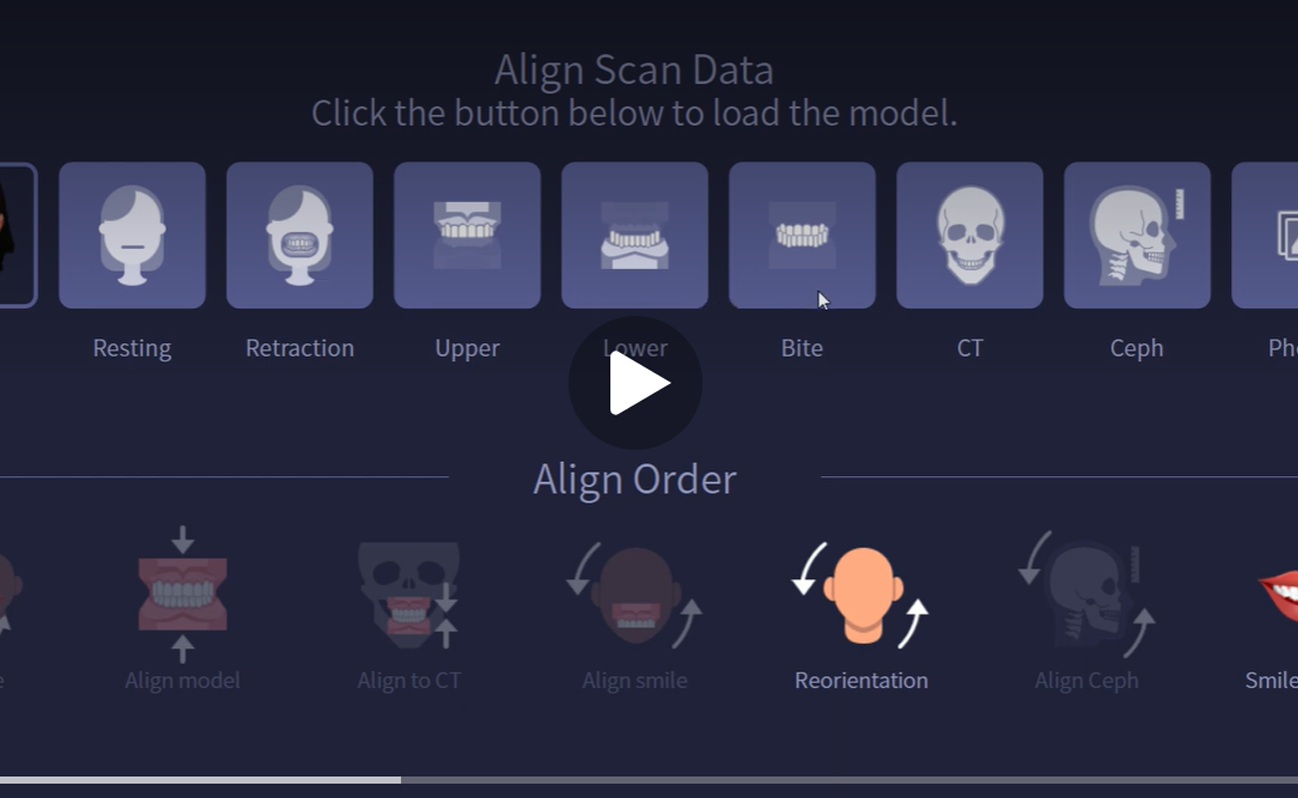
Data Import
run time: 1 minute, 50 seconds
-
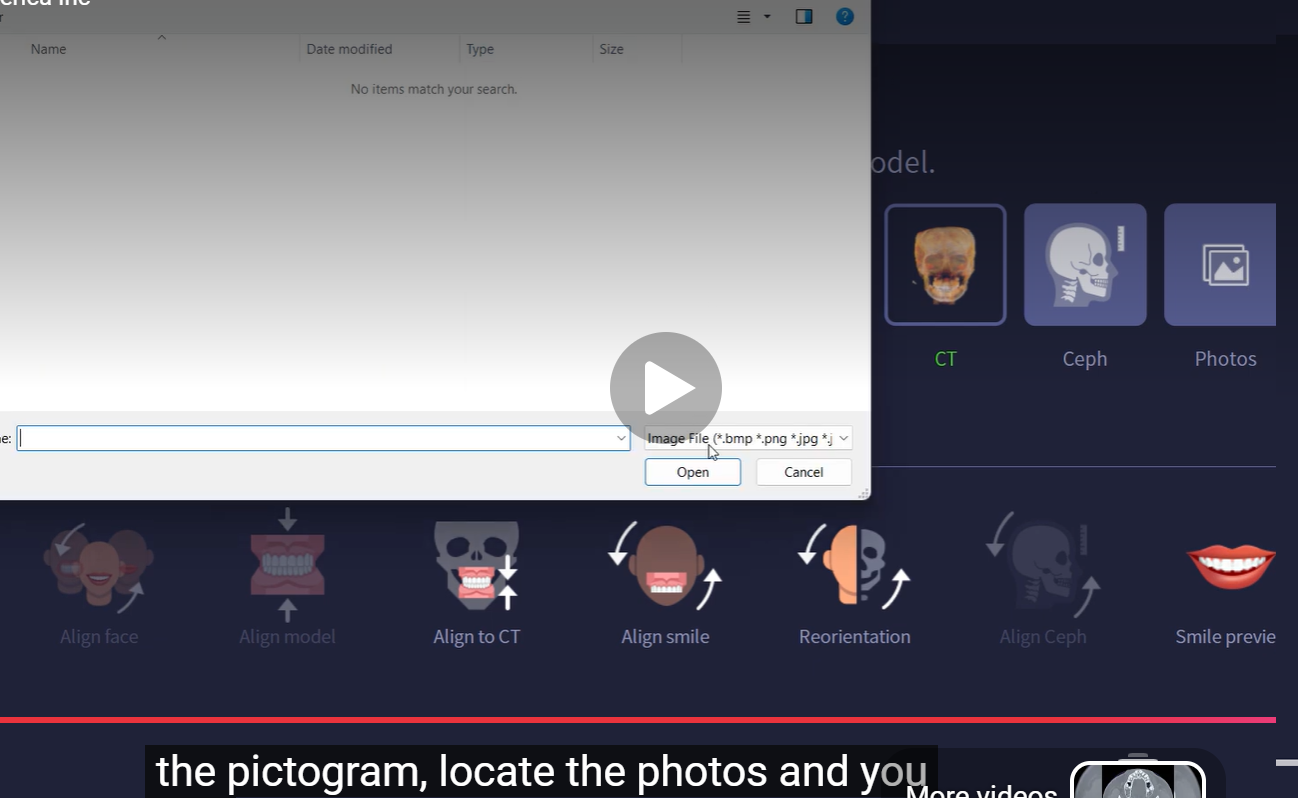
Data Alignment
run time: 1 minute 50 seconds
-
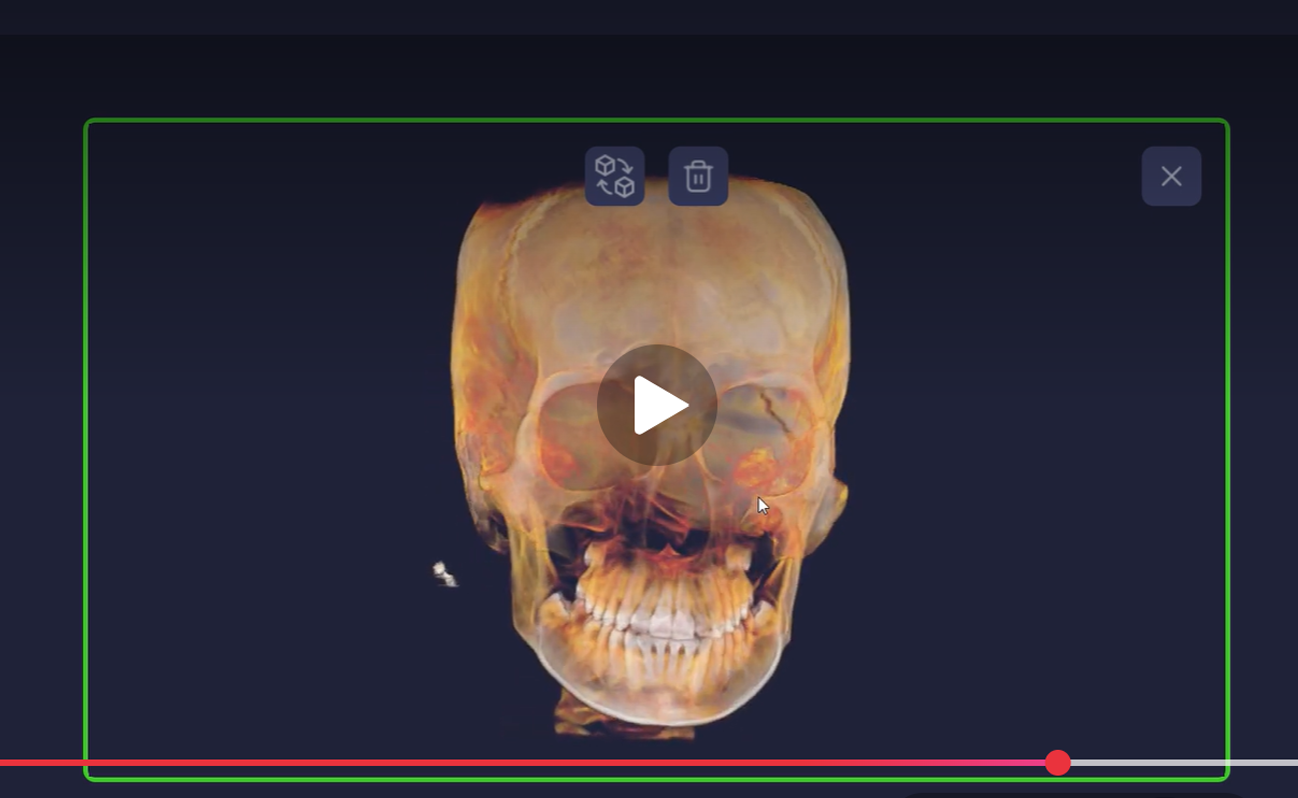
CBCT & IOS Alignment to Facial Scan
run time: 4 minutes 42 seconds
-
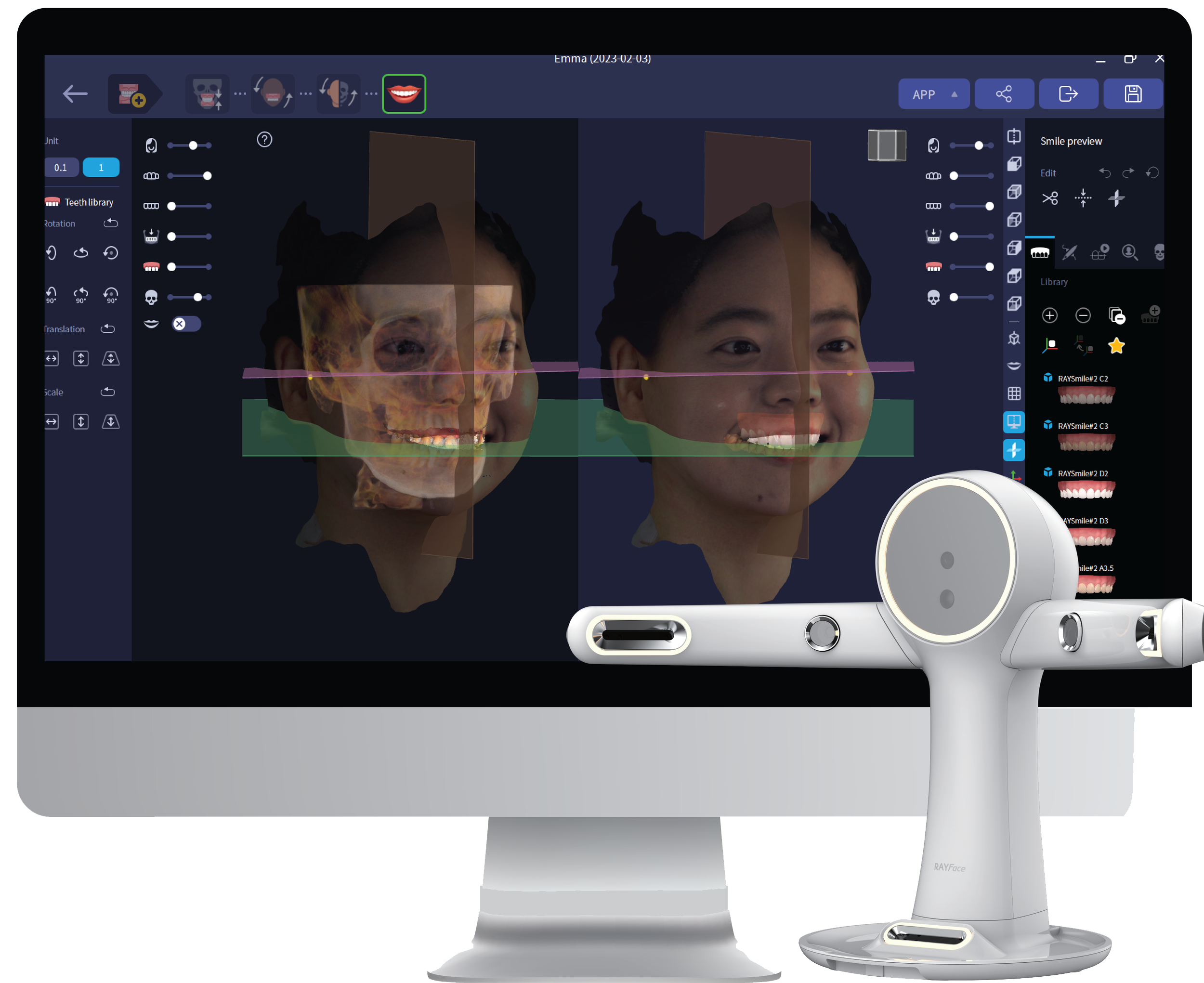
RayFace Smile Design
run time: 44 seconds
RayFace Dynamic Occlusion
-
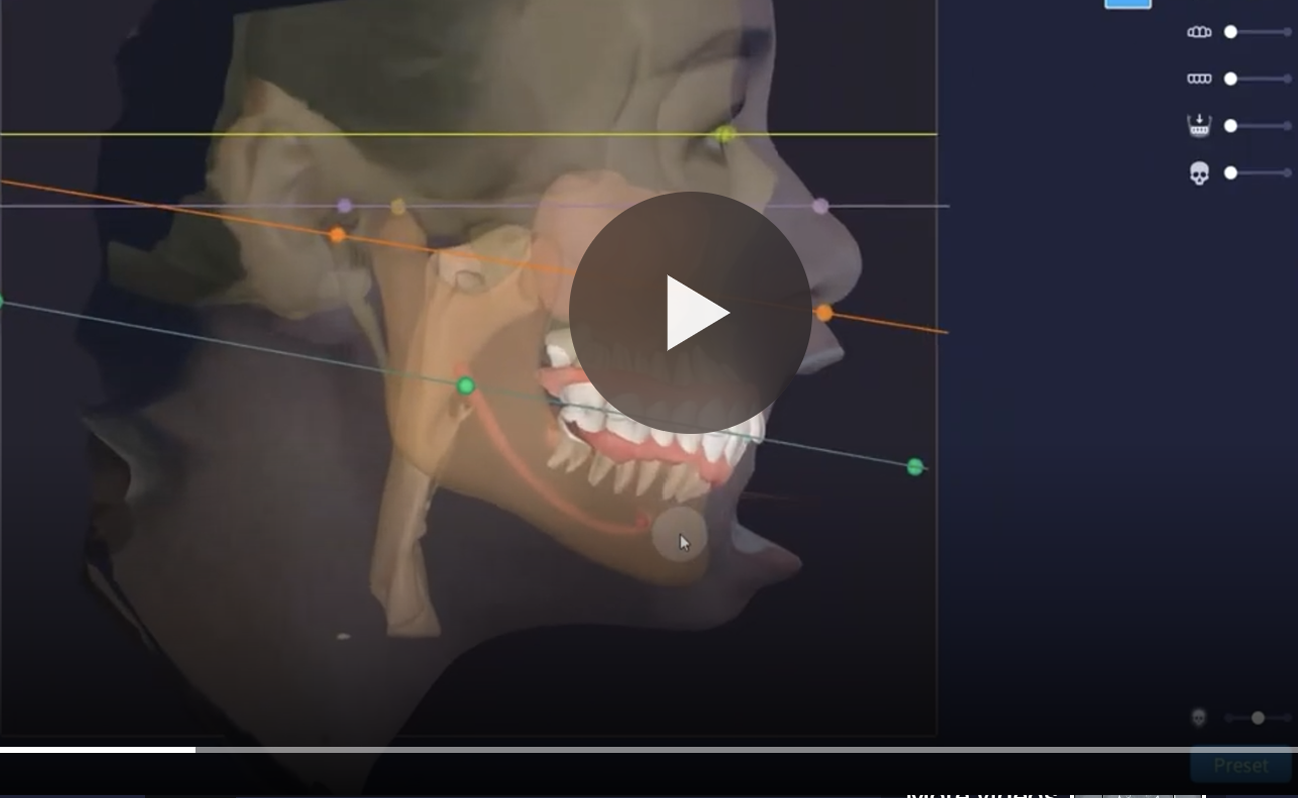
RayFace Dynamic Occlusion
run time: 1 minute, 58 seconds
-
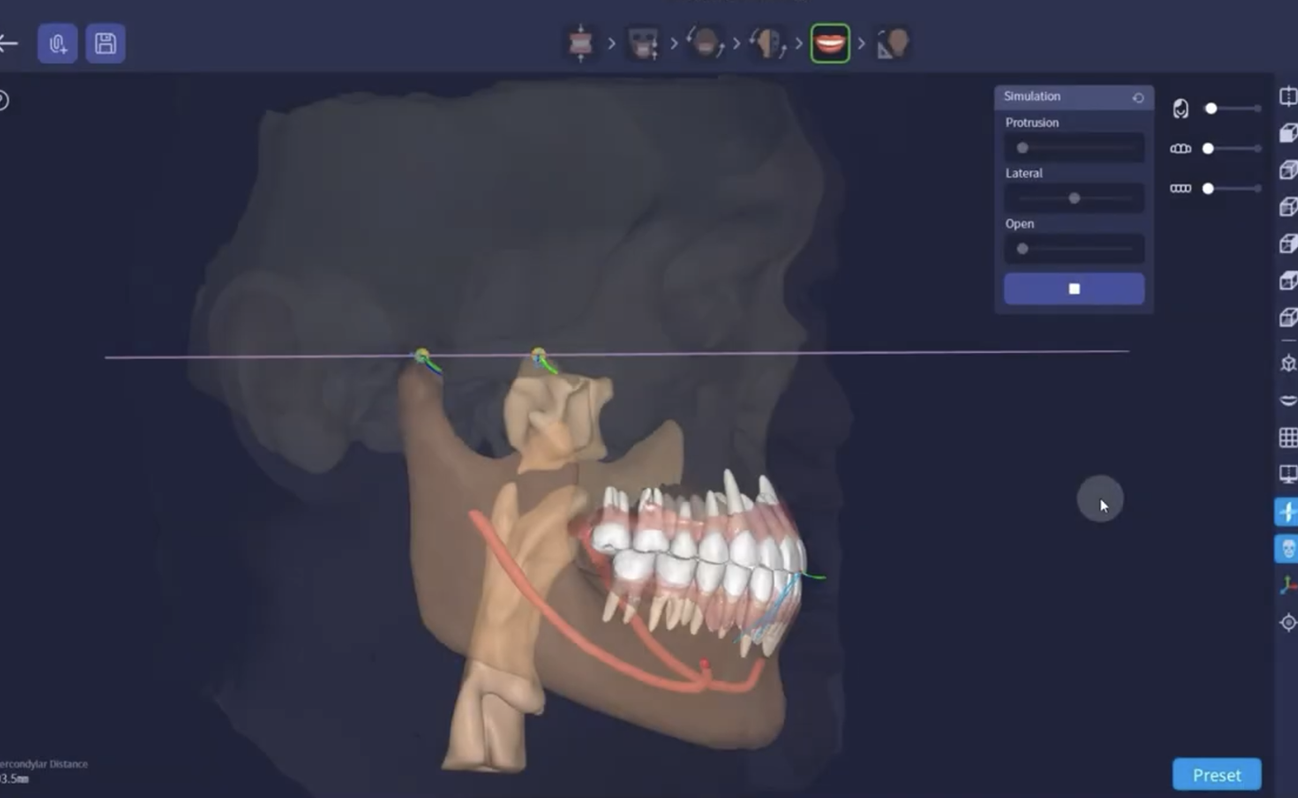
RAYFace Dynamic Occlusion Jaw Motion File
run time: 1 minutes, 17 seconds
-
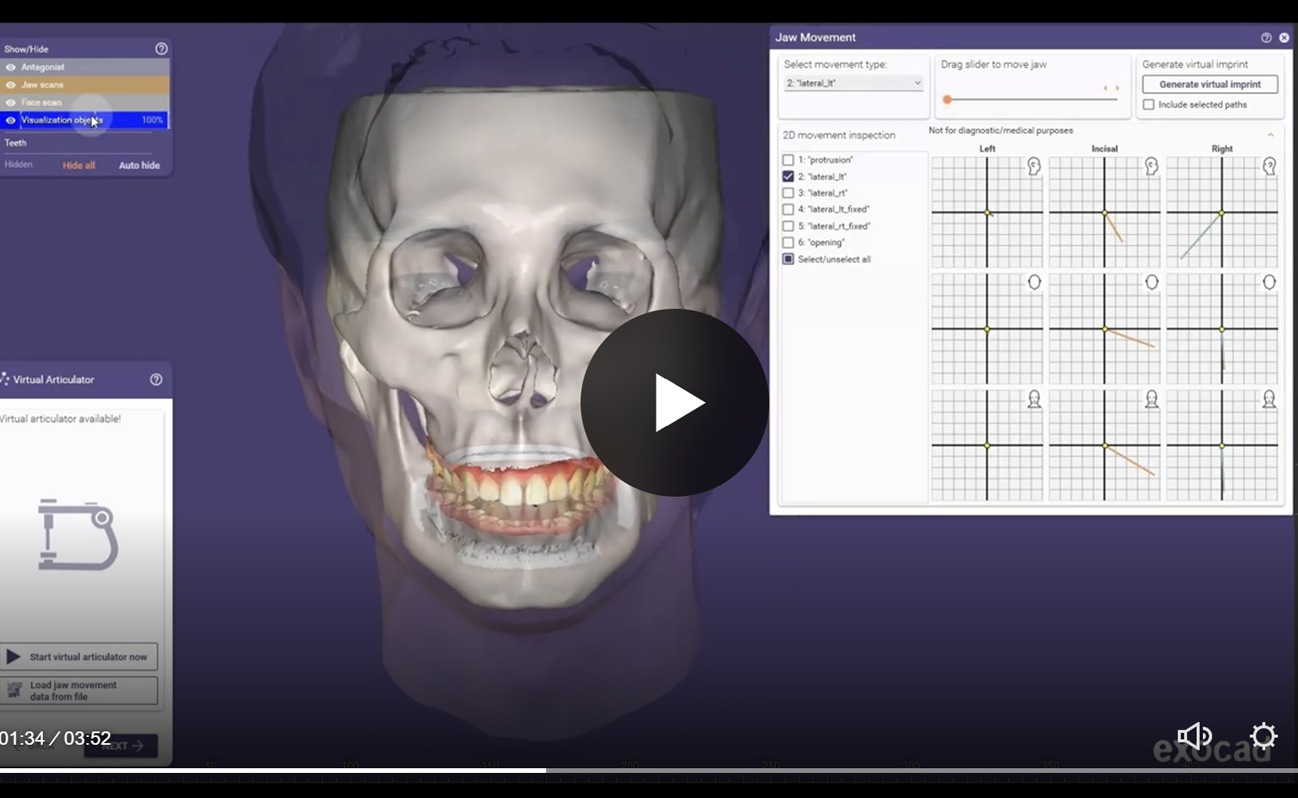
RAYFace Dynamic Occlusion Exocad
run time: 3 minute, 52 seconds
RayFace How to Videos
How-to Videos
-
Vision CBCT Protocol
-
Vision Lateral Cephalometric Protocol
-
Vision Panorama Protocol
-
Vision Object Scanning
Retake this course?
Retaking this course from the beginning will reset all of your tracked progress.